
Grok
xAIs real-time AI assistant with X/Twitter integration
Grok by xAI is integrated directly into X (Twitter), providing real-time access to trending topics and social media data. Grok 2 includes image generation and has fewer content restrictions than competitors.
Editor rating is our overall editorial judgment of the tool, out of 5. It is not a test score and not a user-review average. Ratings have not been re-scored since the tool was listed here. The reasons are in Best for and Pros & cons below.
No coding needed. You can try it in the browser.
Grok is xAI's assistant, built into X (formerly Twitter) and available as its own app. Its defining feature is live access to the X firehose: ask what people are saying about a breaking story, a game, or a product launch, and it can pull from posts made minutes ago rather than relying only on training data. DeepSearch extends this into longer research runs across the web. The tone is deliberately looser and more irreverent than other assistants, which some people enjoy and others find grating.
It's best as a current-events companion, a way to take the temperature of a conversation as it happens. Social media is a noisy source, so Grok can amplify rumors and hot takes alongside facts. It needs more skepticism than a citation-grounded tool.
Some access comes bundled with X subscriptions, plus a standalone paid plan; tiers and limits change often, so check the current pricing page.
Best for
Pros & cons
✓ Pros
✗ What this won't do
Use cases
Monitoring social media trends
Real-time event analysis
Creative image generation
Market sentiment analysis
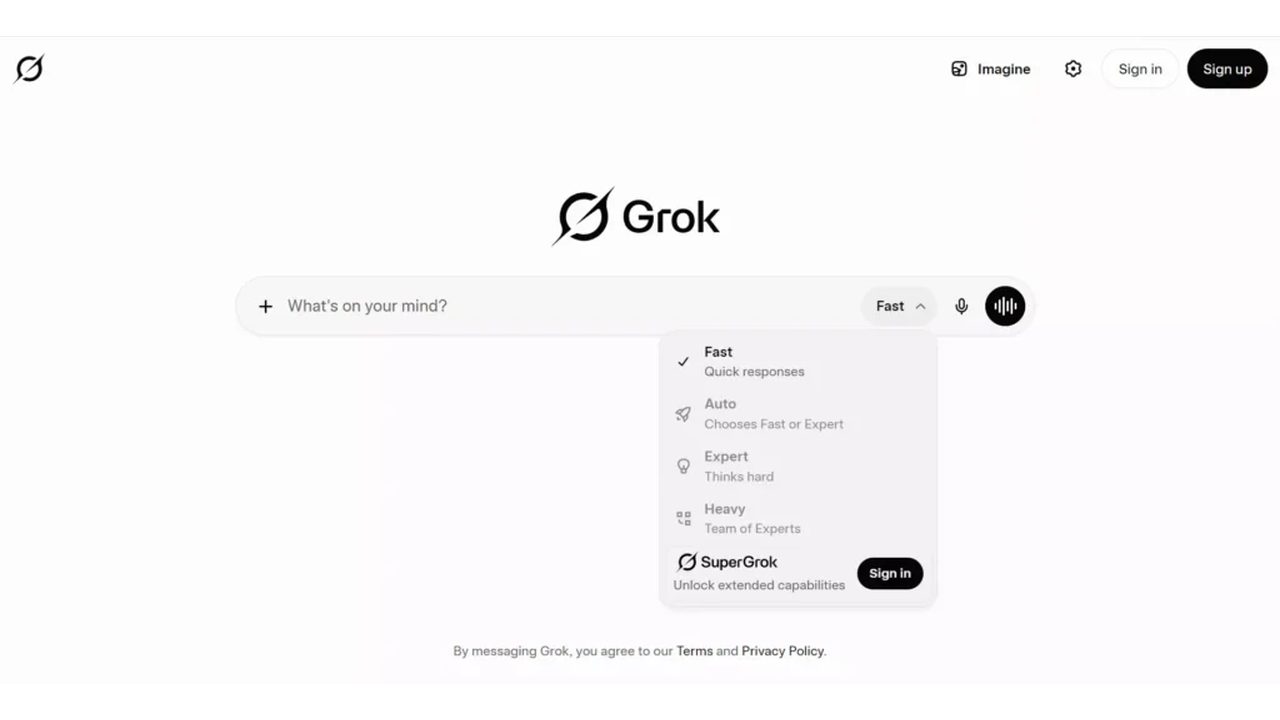
Open Grok and go to Imagine
Visit grok.com and click the Imagine button in the top right corner. This is where you create pictures from text. Sign in with a free account if you are prompted.
Type what you want to see
In the prompt box at the bottom, write a plain description of your picture. Keep the Image button selected so Grok makes a still image rather than a video.
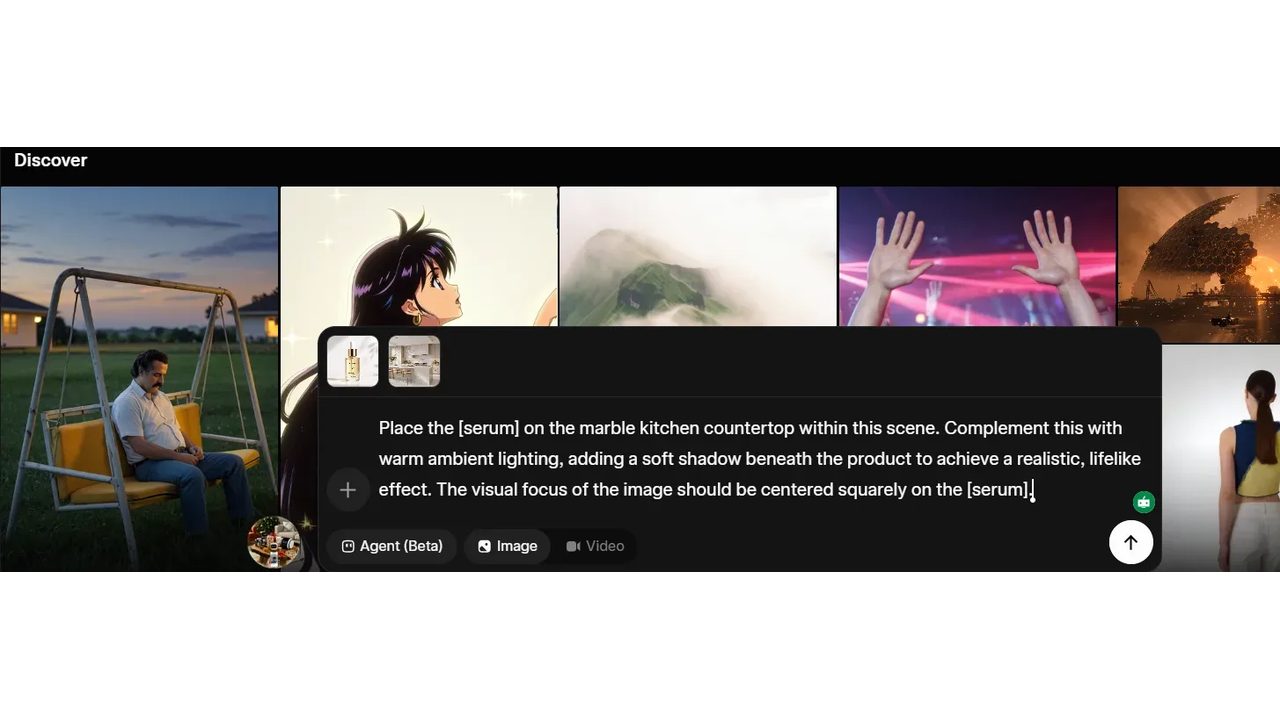
Send it and review
Press the up-arrow to start, then wait a few seconds for the image to appear. Adjust a word or two and send again if you want a different result.

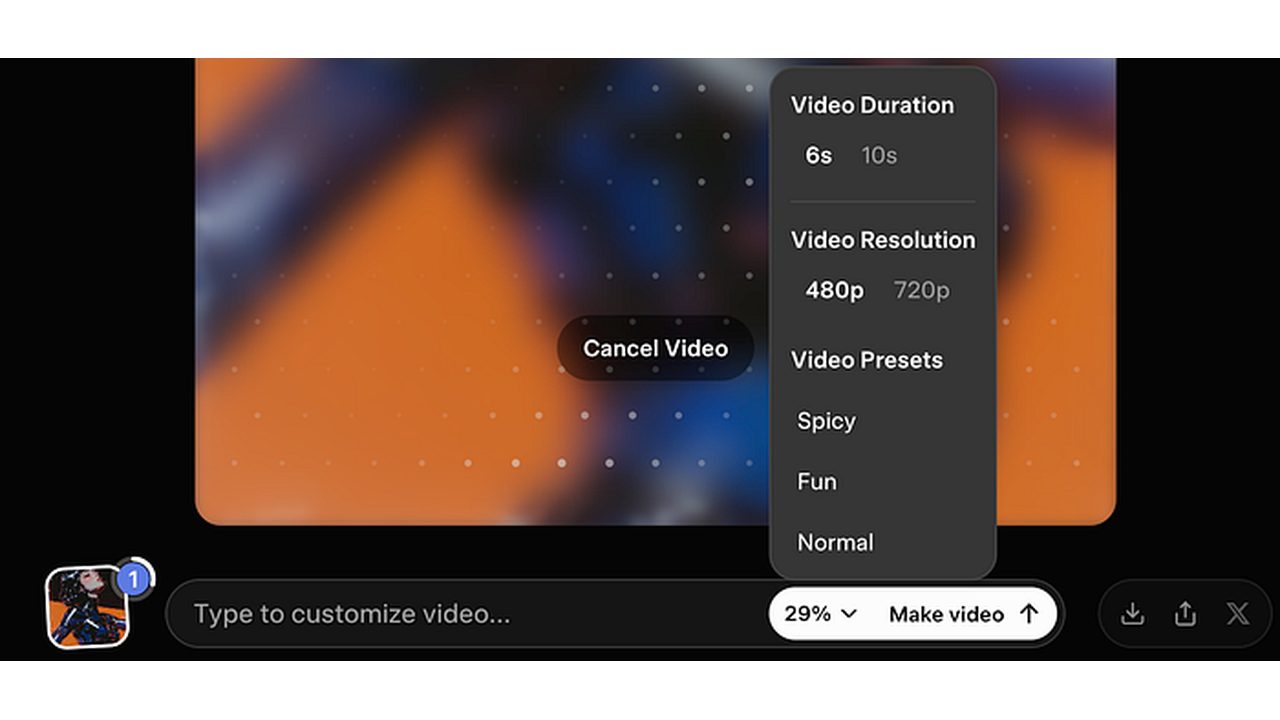
Pick quality and download
Open the settings panel to choose a resolution, then click the download icon to save the picture to your device.
Good fit, bad fit
Great for
- Following breaking news and live events with reactions pulled from X in near real time
- Gauging public sentiment on a launch, controversy, or trend before you weigh in
- DeepSearch runs that compile a quick research brief on a fast-moving topic
- Casual questions where you prefer a blunt, jokey tone over corporate politeness
Skip if
- You don't use X, since much of its distinctive value comes from that data and that audience
- You need carefully sourced, verifiable answers. Social posts are a rumor-prone foundation
- The irreverent persona reads as unprofessional for your work context
Compare alternatives
| Tool | Category | Editor rating | Pricing |
|---|---|---|---|
| Grok (current) | LLM / Assistant | 4.3 | Free with X / $8 mo with X Premium |
| ChatGPT | LLM / Assistant | 4.8 | Free / $20 mo |
| Google Gemini | LLM / Assistant | 4.6 | Free / $20 mo |
| Perplexity AI | Research / Search | 4.7 | Free / $20 mo |