
ChatGPT
The world's most widely-used AI assistant
ChatGPT by OpenAI is the most widely adopted AI assistant, powering everything from code review and content generation to customer support and research.
Editor rating is our overall editorial judgment of the tool, out of 5. It is not a test score and not a user-review average. Ratings have not been re-scored since the tool was listed here. The reasons are in Best for and Pros & cons below.
No coding needed. You can try it in the browser.
ChatGPT is OpenAI's general-purpose AI assistant and, for most people, the default place to start. You type or speak a question, and it answers, drafts, explains, brainstorms, or works through a problem step by step. It can see images you upload, talk with you in a natural voice, search the web for current information, and run small custom versions of itself (custom GPTs) tuned for specific tasks.
Its real strength is breadth. It handles a cover letter, a meal plan, a spreadsheet formula, or a confusing legal paragraph competently, with no setup. It can still state wrong things with full confidence, especially on niche or recent topics, so treat factual claims as a starting point to verify rather than a final answer.
Free tier with daily limits; the paid plan is about $20/mo, with pricier tiers for heavier use. Check the pricing page for current details.
Best for
Pros & cons
✓ Pros
✗ What this won't do
Use cases
Drafting emails and copy
Debugging code
Summarizing documents
Customer Q&A automation
Open ChatGPT
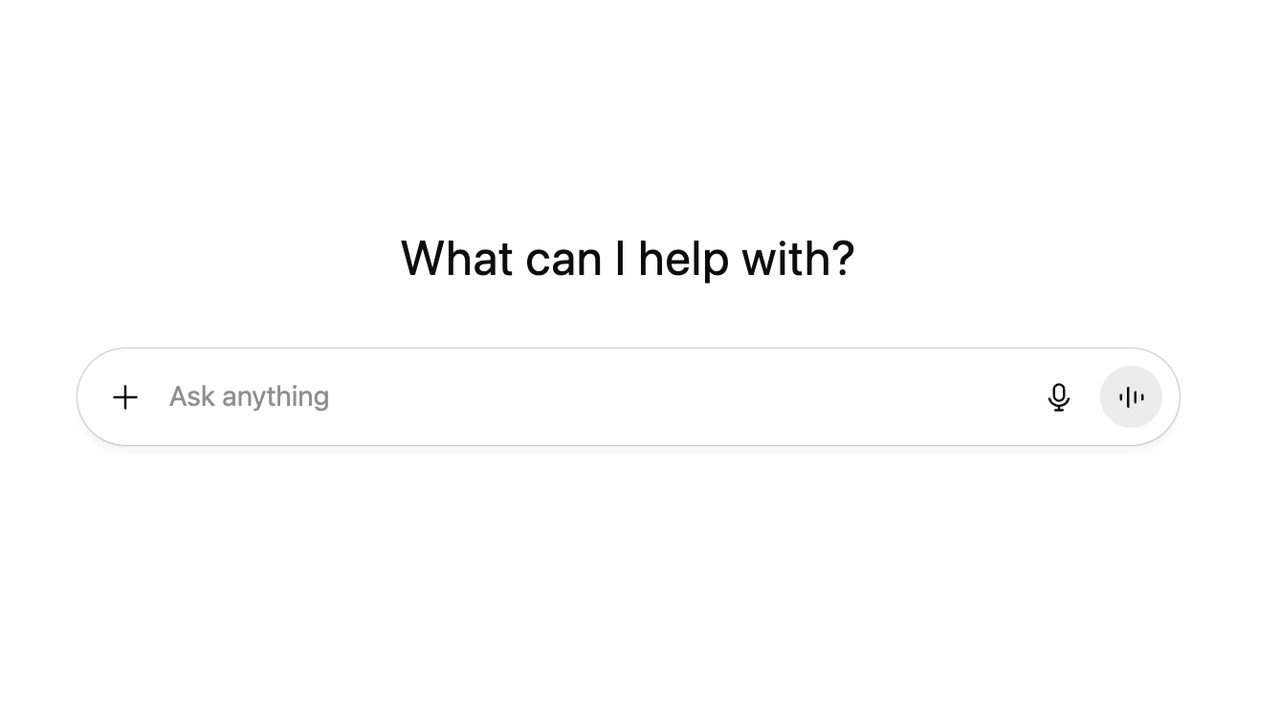
Go to the ChatGPT website. You will see a clean home screen with the heading 'What can I help with?' and a text box that says 'Ask anything'. This box is where everything starts.
Describe what you need
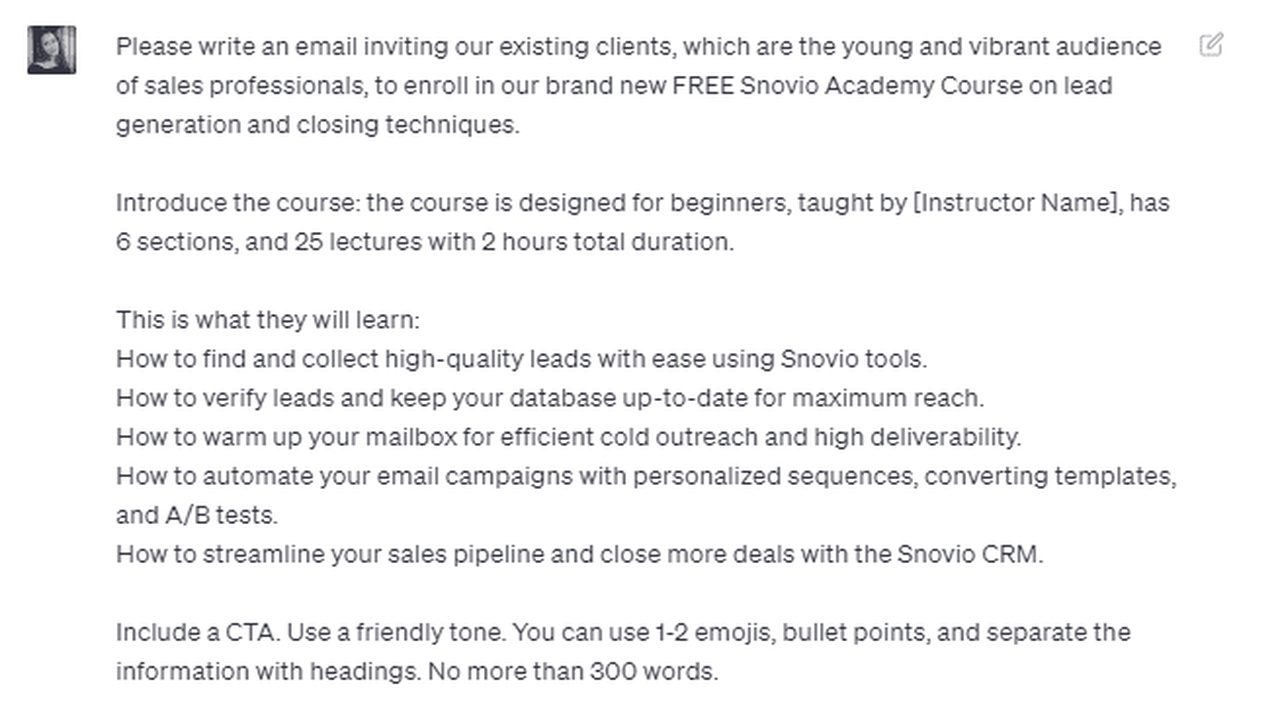
Type your request in plain words. Say who it is for, the tone you want, the key points to cover, and the length. Clear details give you a much closer first draft.
Read the first draft
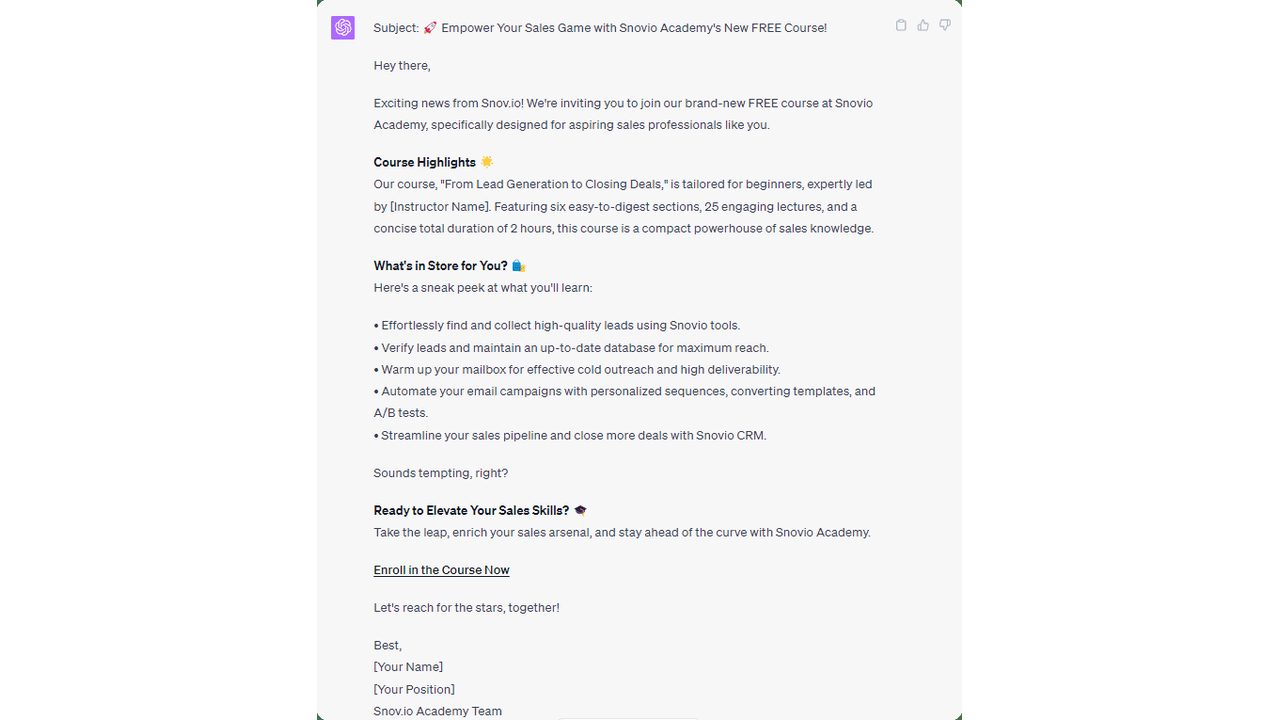
Press enter and ChatGPT writes a complete draft, with a subject line, greeting, short paragraphs, and a sign-off. Read it through to see how much is already usable.
Ask for changes
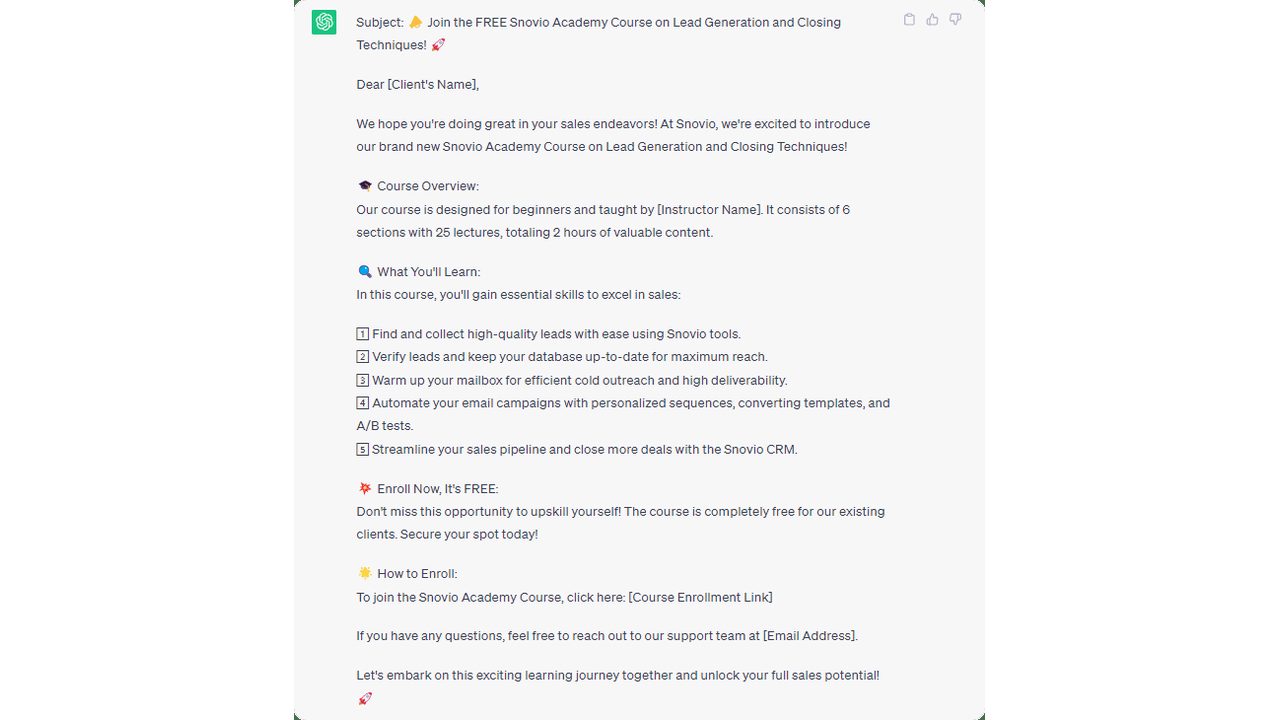
Tell ChatGPT what to fix. Ask for a shorter version, a friendlier tone, or a cleaner layout, and it rewrites the whole draft so you can refine it step by step.
Reuse it for posts
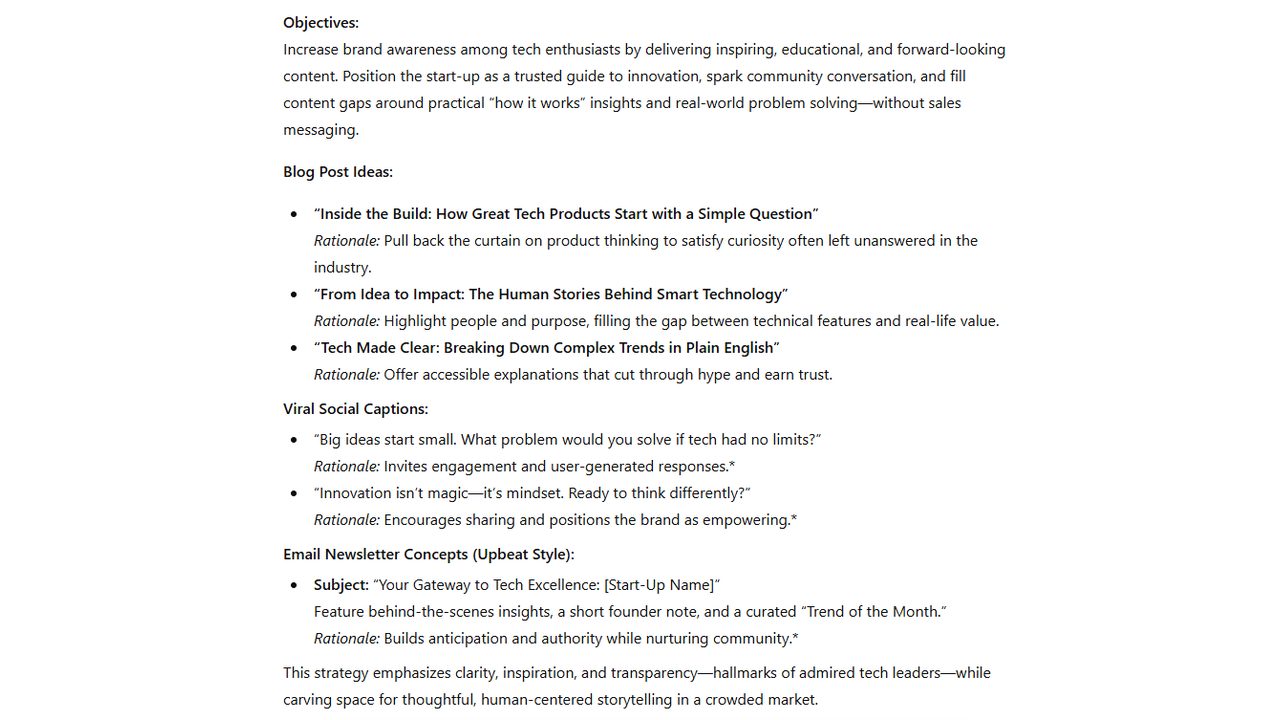
Apply the same method to social posts and newsletters. Ask for post ideas, captions, or subject lines, then copy the ones you like straight into your channels.
Good fit, bad fit
Great for
- Drafting and rewriting everyday text: emails, cover letters, reviews, and announcements
- Explaining a confusing document, contract clause, or error message in plain English
- Brainstorming with voice mode while you cook, drive, or walk
- Building a small custom GPT that answers questions the same way every time, for repeat tasks
Skip if
- Your work lives in Google Docs, Gmail, and Sheets, where Gemini already sits
- You need answers grounded strictly in your own documents with citations. NotebookLM is built for that
- You mostly want commentary on breaking news and social media chatter. Grok is closer to that firehose
Compare alternatives
| Tool | Category | Editor rating | Pricing |
|---|---|---|---|
| ChatGPT (current) | LLM / Assistant | 4.8 | Free / $20 mo |
| Claude | LLM / Assistant | 4.8 | Free / $20 mo |
| Google Gemini | LLM / Assistant | 4.6 | Free / $20 mo |
| Perplexity AI | Research / Search | 4.7 | Free / $20 mo |