4 min watch
Grok AI Image Generator Tutorial 2026 - Create Realistic AI Images with Better Prompts
0 comments
The rundown
Describe a picture the way you would explain it to a photographer, so Grok makes the image you had in mind.
What you'll learn
- Build a prompt from six parts: subject, action, place, camera, light and style
- Use shot size, camera angle and lens words to control how the scene looks
- Check the first image, then change one thing at a time
Topics
Step 1 / 6
Think like a photographer
Picture yourself next to a photographer, telling them exactly what to shoot. A good prompt answers a few questions: who or what, doing what, where, seen how, in what light, and with what finish. You don't need every answer every time.
Step 2 / 6
Describe the subject, action and place
Say what matters to see. Not "a woman" but "a woman in her thirties wearing a simple grey T-shirt". Add what she is doing, like working on a laptop at a wooden desk, and where: a bright home office with plants and natural daylight.
Step 3 / 6
Choose the framing and camera angle
A wide shot shows more of the room. A medium shot balances the person and the place. A close-up puts the face first. Eye level feels natural, a low angle feels dramatic, and a high angle shows more of the scene.
Step 4 / 6
Add a lens only when it helps
A 35 mm lens shows the subject and more of the room. A 50 mm lens looks natural. An 85 mm lens gives a close portrait with a soft background. Leave lens words out if they don't make your picture clearer.
Step 5 / 6
Describe what the light is doing
Skip "beautiful lighting". Say what the light does: soft morning light through a large window, or warm golden sunlight from behind the subject. Light changes the mood more than almost anything else.
Step 6 / 6
Put it together, then change one thing
Start simple: a golden retriever running on a beach. Then add the place, camera, light and style: shallow water at sunset, a low angle, warm backlight, realistic photography. Look at the result, change one thing, such as the light, and compare the two.
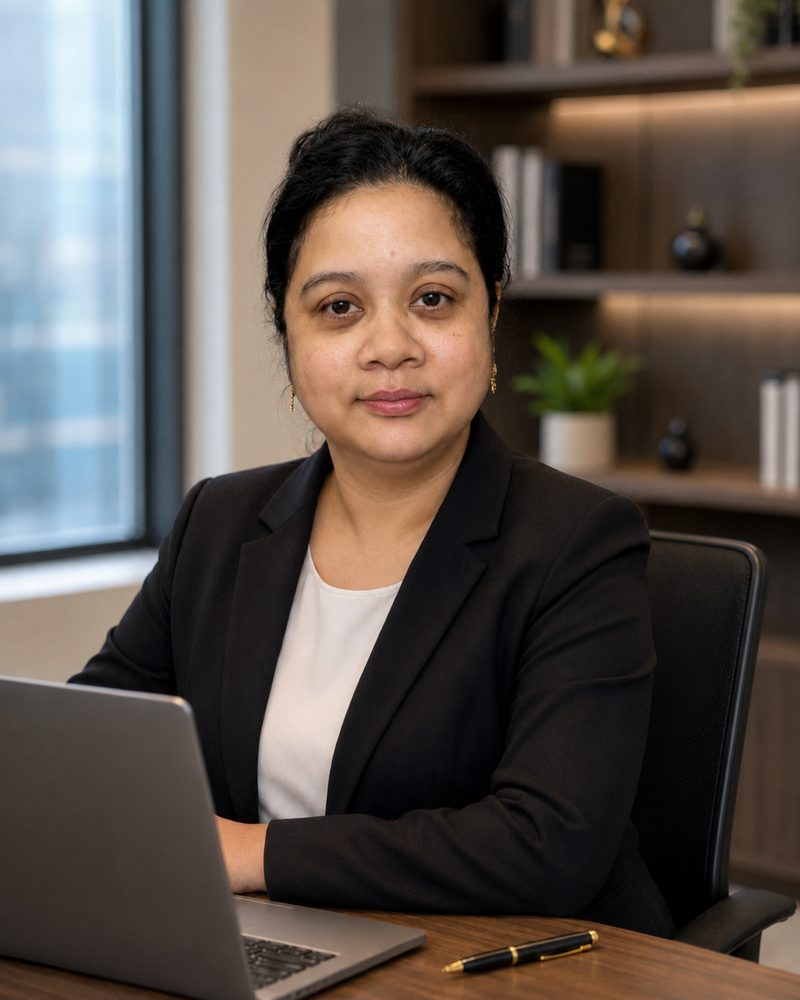
Moirangthem Margareth Devi
Founder, AI Agents Daily
Founder of AI Agents Daily. She tests AI tools and teaches non-technical people how to put them to work.

Comments
No comments yet. Be the first.