New
6 min watch
 Grok
GrokPlan the app first, then use Cursor to build it in small steps and check the build before you publish.
Step 1 / 9
Cursor is like VS Code, but with AI built directly into your coding workflow. Instead of switching between a browser and your editor, you chat with your code, edit files, understand errors and generate features, all inside the IDE.
Step 2 / 9
Before you start, keep three things ready. Cursor installed, a small app idea, and Node if you are building a React app. The example project is a clean landing page for a mini productivity tool.
Step 3 / 9
Do not start by saying "make me an app." That gives messy results. Write a tiny project brief instead, telling Cursor what you want, what pages you need, what style you like and what to leave out, then send "Read this project brief. Before writing code, give me a simple build plan with the files you'll create or edit. Keep the first version small."
Step 4 / 9
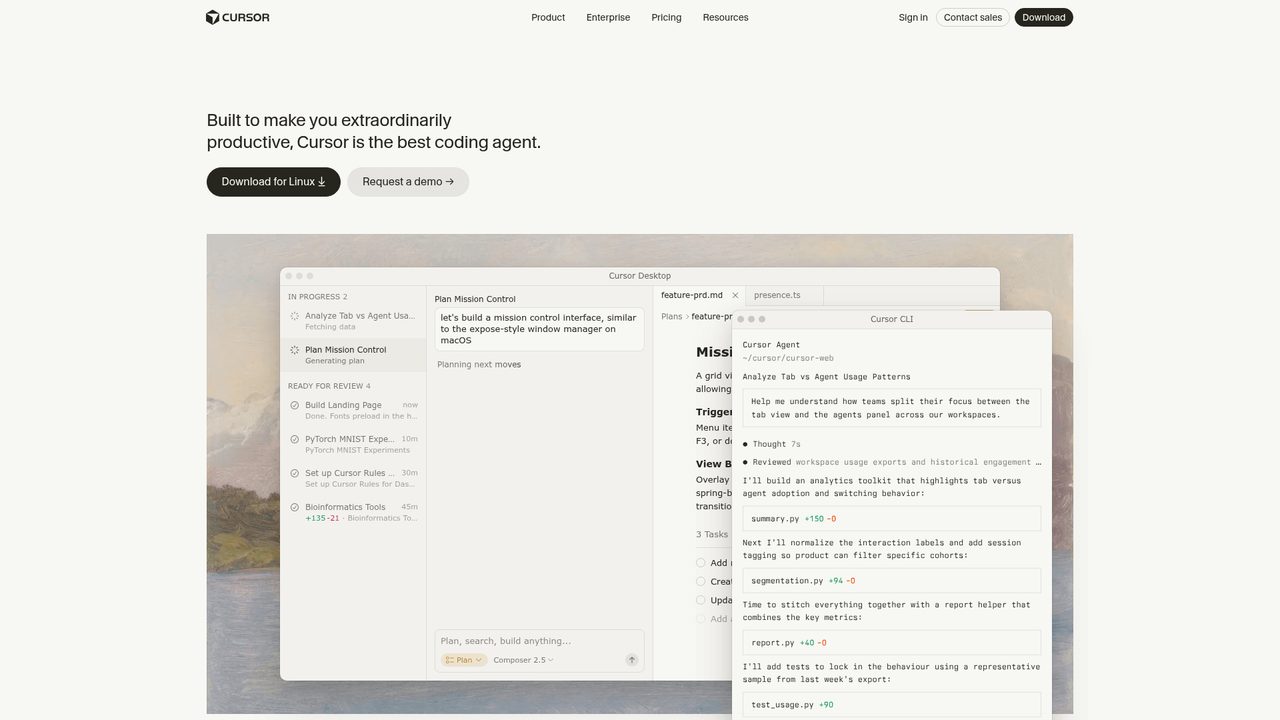
Cursor has different tools for different jobs. Use Inline edit for small changes, Chat when you want an explanation, and Composer when you want Cursor to work across multiple files. For building an app, Composer is your main tool.
Step 5 / 9
Use @Files when you know the exact file Cursor must read. Use @Codebase when you want it to search the project. Do not overload it, because too much context can confuse the AI.
Step 6 / 9
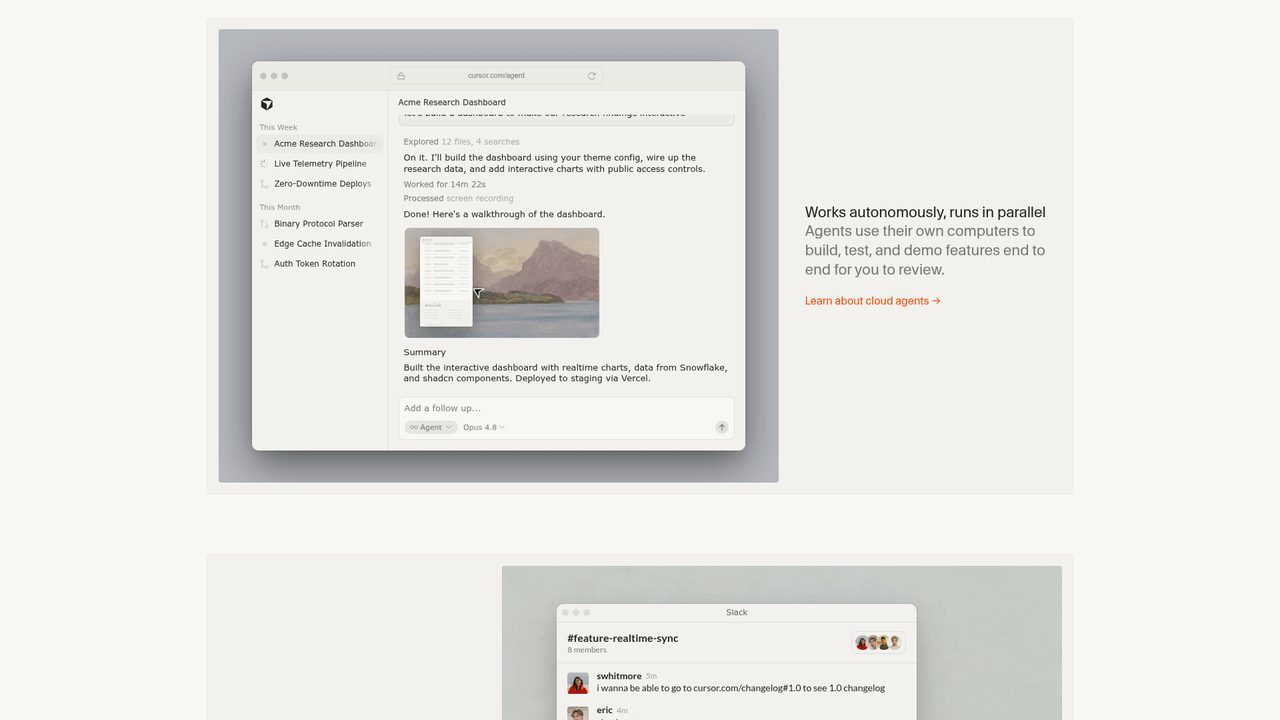
Ask for the first working version, not ten features and not a full startup. The prompt is "Create the first version based on the plan. Make minimal changes. Then tell me exactly what changed and how to run it."
Step 7 / 9
Run the app. If there is an error, "fix this" is not the prompt to send. Ask Cursor to debug like a developer, forming a hypothesis, adding logs if needed, explaining the likely cause, then applying the smallest fix.
Step 8 / 9
Check that the page loads, the buttons work, the layout is responsive and the production build passes. Run npm run build. If it fails, fix that before you upload anywhere.
Step 9 / 9
Once the build works, upload the production folder to a static host such as Tiiny Host, Netlify or Vercel. Build first, test first, then publish. Do not publish broken code.

Founder, AI Agents Daily
Founder of AI Agents Daily. She tests AI tools and teaches non-technical people how to put them to work.
Comments
No comments yet. Be the first.